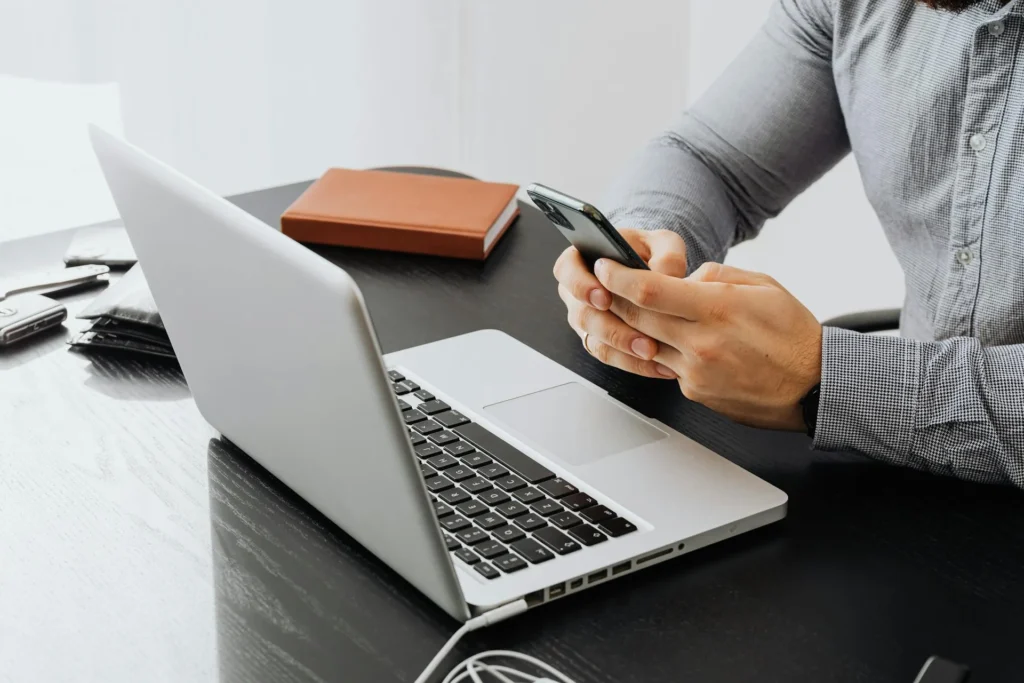
Modern devices do more than help you work or stay connected. They shape how you manage your day, store your ideas, communicate, and keep track of important tasks. When you learn how to get more out of your devices, you save time, reduce stress, and improve productivity. Simple upgrades and smarter habits can help your devices last longer and work the way you want.
This article will guide you through the best ways to make your devices work better for you and help you choose the right improvements when needed.
Start With a Quick Device Check
A simple device check can make a big difference. You can start by looking at your storage and removing apps, downloads, and files you no longer use. When your device has more space, it runs faster and handles tasks more easily. It also helps to check the battery health. Many devices show this in the settings, and it tells you if the battery still holds a strong charge. If the battery no longer performs well, you can replace it instead of replacing the entire device. Restarting your device once in a while also clears temporary files and keeps the system running smoothly.
Extend your learning—related posts filled with actionable tips and insights.
Upgrade When It Makes Sense
Upgrading your device, especially a phone, can be a smart move when your current device slows down or no longer supports the features you need. The iPhone 17 Pro Max, for instance, offers faster performance, strong battery life, and new tools that help with both work and entertainment. When you invest in a newer model, you get a device that handles tasks with ease and lasts longer.
A newer phone also holds more value over time. If you want to switch to another model or need extra money, you can easily sell iPhone 17 Pro Max for cash through platforms like PayMore.
Keep Your Software Updated
Software updates help your device stay secure and efficient. Updates fix bugs and protect your information from threats. They also improve speed and introduce helpful features that make the device easier to use. When you keep your apps and operating system updated, your device works better and lasts longer. Turning on automatic updates ensures you never miss an important improvement. You can check for updates manually if you prefer more control. Making updates a habit supports your device in the long run.
Clean Your Devices Regularly
Physical care matters as much as digital care. Dust and dirt can affect performance, especially when they build up in ports, fans, or keyboards. Cleaning your device helps it stay cool and prevents problems. A soft cloth can clean screens without scratching them. You can also use gentle tools to remove dust from ports so your device charges and connects without trouble. When you clean your device regularly, you reduce the chance of overheating and keep everything working the way it should.
Use Quality Accessories
Quality accessories help your devices function better. A reliable charger protects your battery and keeps it healthy. A sturdy case prevents damage when you drop your phone or tablet. Good headphones and keyboards also improve your everyday experience and help you work more comfortably. Cheap accessories may break easily or cause issues, so it makes sense to choose trusted brands. When you use accessories that support your device instead of working against it, you get better performance and fewer problems.
Organize Your Digital Files
A clean digital space helps you work faster and stay focused. When your files sit in random folders or stack up on your desktop, you waste time searching for the things you need. You can avoid this by creating simple folders that match your daily routine. Clear names also make your files easier to find later. Cloud storage offers more flexibility because it keeps everything safe and accessible on any device. When you organize your files, your device uses storage more efficiently and performs better. It also gives you a sense of control because you know where important documents and photos live. This habit supports both personal and work tasks.
Protect Your Devices With Strong Security
Good security keeps your device safe from harmful activity. A strong password stops others from getting into your phone or computer. Two-factor authentication adds another layer of protection by confirming that you are the one signing in. Security apps can also help by detecting suspicious activity before it becomes a problem. These steps protect your personal information and your work files. Public networks can expose you to risks, so use a secure network whenever possible. When your device stays safe, it continues to perform well without interruptions or data loss. Security works best when you make it part of your daily habits.
Improve Battery Life With Smart Habits
Battery life affects how well your device supports you throughout the day. You can improve it by lowering your screen brightness and closing apps that drain power. Turning off features you do not use, like Bluetooth or location services, also helps. Some devices offer battery-saving modes that reduce energy use without affecting your workflow. Charging your device with a reliable charger keeps the battery healthy for longer. Avoid letting your battery drop too low too often because that creates strain over time. When you make these habits part of your routine, your device becomes more dependable and stays ready when you need it.
Boost Performance With the Right Settings
Many devices include tools that help you fine-tune performance. You can start by checking the settings for storage, display, and accessibility. Performance or efficiency modes help you choose how your device uses its power. Clearing cache or temporary files frees up resources and improves speed. You can also adjust display settings to match your needs, whether you want smoother visuals or longer battery life. These adjustments do not take long, yet they make a noticeable difference in how your device responds. When you use the settings built into your device, you get more value from it without needing extra tools.
Your devices give you more freedom when you treat them as long-term tools rather than short-term purchases. Each choice you make, from how you organize files to when you replace old tech, shapes how well your devices support your goals Devices Work Better. When you take control of these decisions, your devices become stronger partners in your daily life and help you move through each day with more confidence and ease.
Take the next step—explore more posts that broaden your perspective today.