TikTok is louder, faster, and more competitive than ever.
Posting random clips is not a strategy anymore. The creators winning in 2026 move fast, test constantly, and use AI to scale content without burning out.
If you’re looking for the best AI video generators for TikTok, this guide breaks it down practically. No hype. Just what actually helps you create scroll-stopping videos and grow.
Let’s dive in.
Why TikTok Creators Need AI in 2026
TikTok success comes down to three things:
- A strong hook in the first 1 to 2 seconds
- Fast production cycles
- Constant variation testing
AI supports all three.
Instead of filming everything manually, you can:
- Turn scripts into videos
- Animate images into motion
- Repurpose long videos into short vertical clips
- Generate thumbnails for profile grids
- Test multiple versions of the same idea
If you want to grow seriously on TikTok, AI is no longer optional. It is a production advantage.
What Makes an AI Video Generator Good for TikTok?
Not every AI tool works well for TikTok. Here’s what actually matters.
1. Fast Text to Video
You need speed. If it takes too long to generate a video, testing becomes slow. TikTok rewards experimentation.
2. Strong Image to Video for Hooks
Static visuals do not stop the scroll. Good image to video tools add motion, zoom, lighting shifts, or cinematic effects instantly.
3. Built In Editing
After generating a clip, you still need to:
- Trim scenes
- Adjust pacing
- Add captions
- Insert effects
If you must export to another editor every time, your workflow slows down.
4. AI Thumbnail and Cover Tools
TikTok profile grids matter. Strong covers improve brand consistency and click through on your profile page.
5. Viral Style Features
Trend friendly tools like:
- Character swap
- Motion transfer
- Face or subject replacement
These help you ride trends quickly.
6. Cost Efficiency
TikTok growth requires volume. If each video costs too much, scaling becomes difficult.
Best AI Video Generators for TikTok in 2026
Here are the tools I would realistically consider.
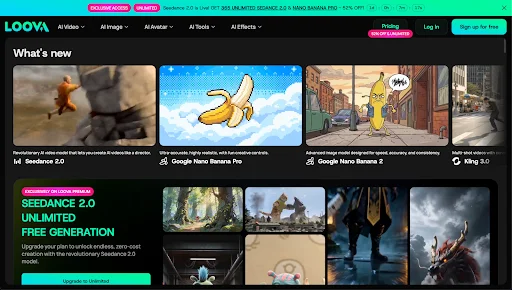
1. Loova – Best All in One AI Platform for TikTok
If I had to run a TikTok channel from scratch in 2026, I would strongly consider Loova.
It combines:
- AI video generation
- AI image generation
- Editing tools
- Multiple trending AI models
All in one ecosystem.
Instead of juggling three or four subscriptions, you create everything in one place.
Why It Works for TikTok
Multiple AI Models Integrated
Loova connects several trending AI models in one dashboard including Seedance 2.0. You can experiment with different generation styles without switching platforms.
That saves time and keeps costs more predictable.
Complete TikTok Workflow
Inside one platform, you can:
- Generate text to video clips
- Turn images into video
- Edit videos directly
- Create AI visuals
- Design covers using an AI thumbnail maker
You are not just producing clips. You are building full TikTok-ready packages.
Viral Friendly Features
Two features that are especially useful for TikTok:
- Character swap for surprising visual twists
- Mimic motion for transferring movement from one clip to another
These are ideal for trend driven content.
If you want to test five variations of a viral concept in one afternoon, this flexibility matters.
Best For
- Faceless TikTok accounts
- Trend driven content
- High volume creators
- Automation style workflows
Limitation
You will need to experiment to find which model works best for your niche. That is normal with AI tools.
2. Vizard – Best for Repurposing Long Content

If you already create long form content, Vizard helps you turn it into TikTok clips.
What It Does Well
- Detects highlight moments
- Formats into vertical videos
- Adds captions
It is efficient for repurposing.
Limitation
It is not a full AI generator. You still need original footage.
Best for creators maximizing podcasts or YouTube content.
3. Vidyo.ai – Fast Clip Extraction
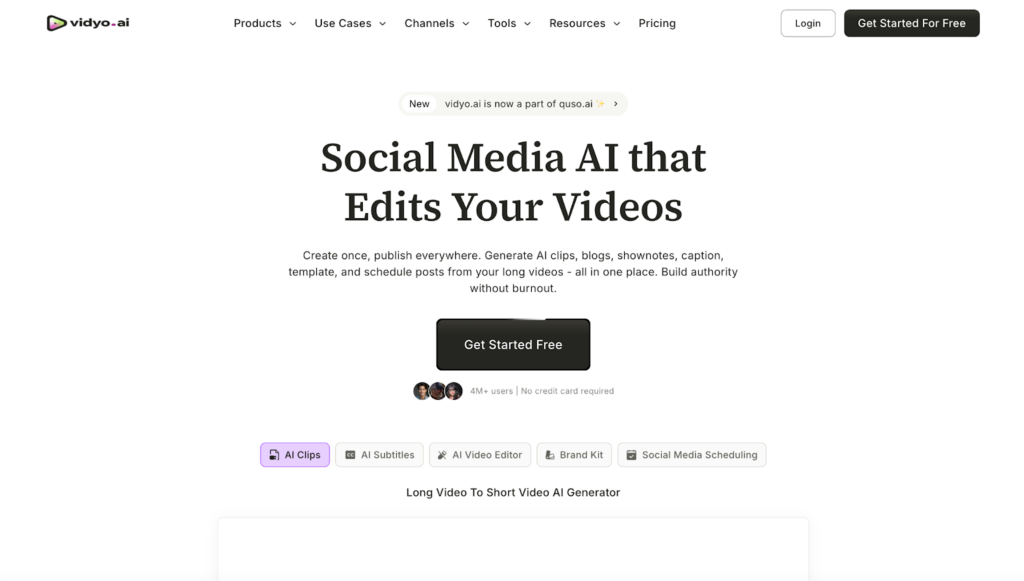
Vidyo.ai is also strong for:
- Podcast snippets
- Interviews
- Educational breakdowns
If your TikTok strategy focuses on repurposing, this helps.
It will not generate visuals from scratch.
4. Kling – Strong Image to Video Realism
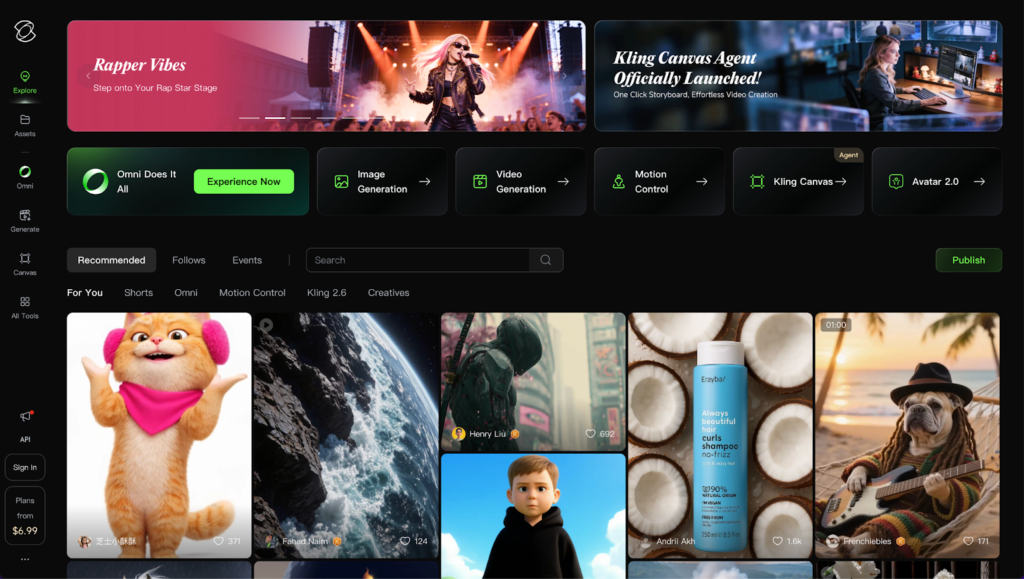
Kling stands out for realism and lighting quality.
If you want visually impressive short scenes, especially cinematic ones, it performs well in image to video generation.
Strength
- Realistic lighting
- Smooth motion
Limitation
It is not optimized for high volume daily TikTok testing.
Best for cinematic content rather than daily trend posting.
5. Creatify – Product Focused TikTok Videos
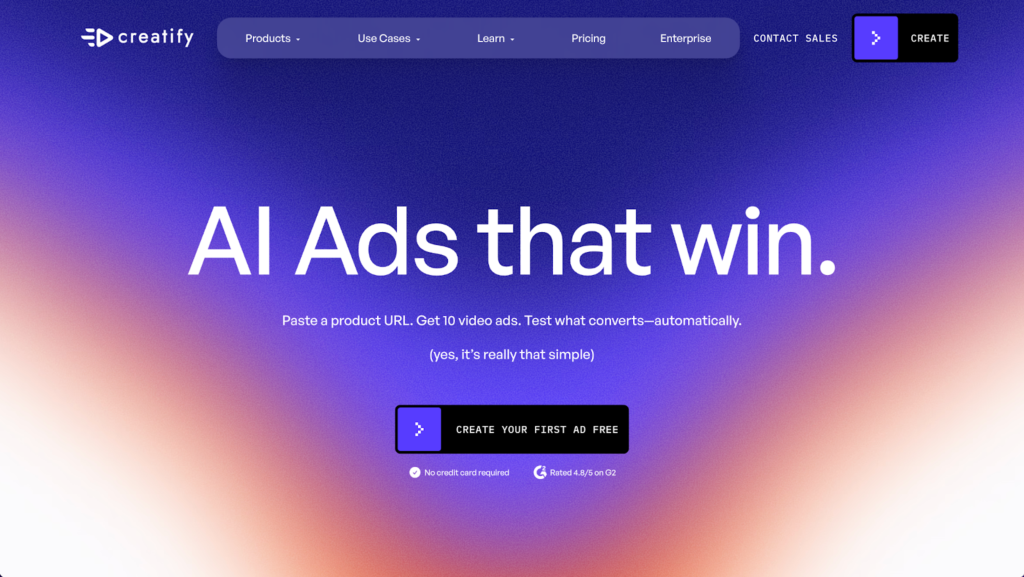
If you run an ecommerce or affiliate account, Creatify is worth exploring.
It focuses on:
- AI product videos
- Ad style short clips
Good for promotional TikTok content.
Less flexible for meme or trend based formats.
6. Descript – AI Editing and Voice Tools

Descript is primarily an editing tool with AI features.
You can:
- Edit video by editing text
- Remove filler words
- Add voiceovers
Great for educational TikTok creators.
Not a full visual generation platform.
7. Pictory – Script to Video Content
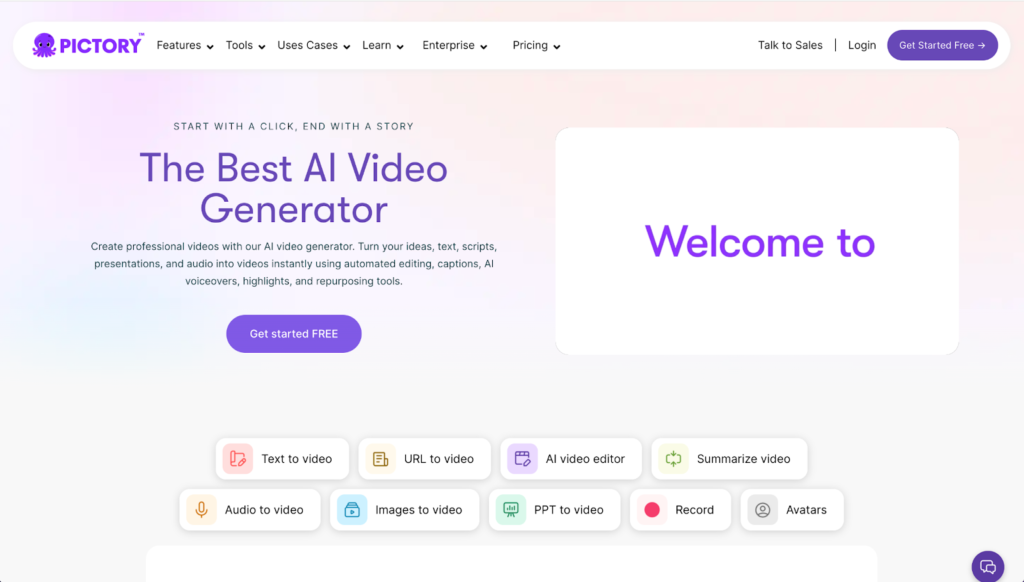
Pictory converts blog posts or scripts into short videos.
Useful for:
- Explainers
- Educational TikTok content
Convenient, but visuals can feel generic without customization.
8. Opus Clip – AI Viral Clip Detection
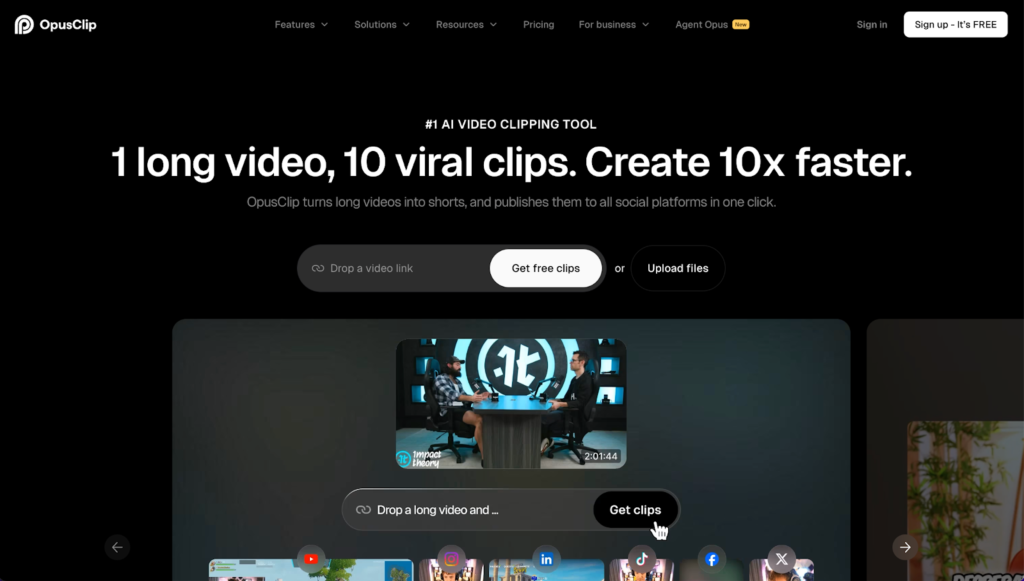
Opus Clip identifies potentially viral segments from longer videos and formats them for vertical platforms.
Helpful if your strategy is repurposing.
Again, not a full creation tool.
Which AI Tool Is Best for Your TikTok Strategy?
Let’s simplify it.
For Faceless TikTok Accounts
You need:
- Text to video
- Image to video
- Built in editing
An integrated platform like Loova makes the most sense.
For Trend Based Meme Content
You need fast variation testing.
Character swap and motion transfer features are powerful here.
For Educational TikTok
Descript and Pictory are strong for script based workflows.
For Repurposing Long Videos
Vizard, Vidyo.ai, and Opus Clip are practical.
For Product Promotion
Creatify works well for ecommerce focused visuals.
How I’d Go Viral on TikTok Using AI
Here is the exact workflow I would follow.
Step 1 – Build a High Retention Hook
Start with:
- A bold statement
- A surprising visual
- A strong emotional reaction
The first 1 to 2 seconds determine everything.
Step 2 – Generate the Base Visual
Use text to video for the foundation.
Or use image to video to animate a striking concept.
If you use an all in one platform, test multiple versions quickly.
Step 3 – Add Movement and Variation
Motion keeps people watching.
Use:
- Zoom effects
- Fast scene changes
- Motion transfer
- Character swap
Small tweaks can dramatically improve retention.
Step 4 – Add Clear Captions
Many TikTok users watch without sound.
Bold, readable captions increase watch time.
Step 5 – Design Strong Profile Covers
TikTok profile grids matter.
Use AI tools to:
- Test bold colors
- Add expressive faces
- Highlight key phrases
Step 6 – Publish Variations, Not Just One Version
Do not post only one cut.
Change:
- The hook
- The pacing
- The visual angle
- The opening line
AI makes rapid testing realistic.
Testing wins on TikTok.
Common Mistakes That Hurt TikTok Performance
Weak first 2 seconds
Nothing moves. Nothing surprises. People scroll.
Static visuals
No motion means low retention.
Overcomplicated editing
Clarity beats complexity.
Posting one version only
AI gives you leverage. Use it.
Ignoring profile branding
Consistency builds recognition.
Final Thoughts
The best AI video generator for TikTok depends on your strategy.
If you mainly repurpose long content, tools like Vizard or Opus Clip are efficient.
If you want to create from scratch, test trends, and scale output, you need:
- Text to video
- Image to video
- Editing
- AI image generation
- Cover design tools
- Viral style features
That is why an all in one system like Loova AI stands out.
TikTok growth comes from speed, iteration, and creativity. AI simply gives you leverage.
Frequently Asked Questions
What is the best AI video generator for TikTok in 2026?
If you want a full workflow in one place, Loova is a strong option. If you focus on repurposing long content, tools like Vizard or Opus Clip are practical.
Can AI help my TikTok go viral?
AI helps you produce faster, test more ideas, and improve visuals. Viral success still depends on hooks and retention.
Which AI tool is best for faceless TikTok accounts?
You need text to video, image to video, and editing in one system. Integrated platforms work best.
Is text to video good for TikTok?
Yes. It allows you to test ideas quickly without filming.
Do I need AI covers for TikTok?
They help improve profile consistency and click through from your grid.
How much does an AI TikTok generator cost?
Pricing varies. Some tools use credits. Others offer monthly subscriptions. High volume creators should consider cost per video.
What are character swap and motion transfer?
Character swap replaces subjects in a video for creative effects. Motion transfer applies movement from one clip to another. Both can increase engagement on TikTok.