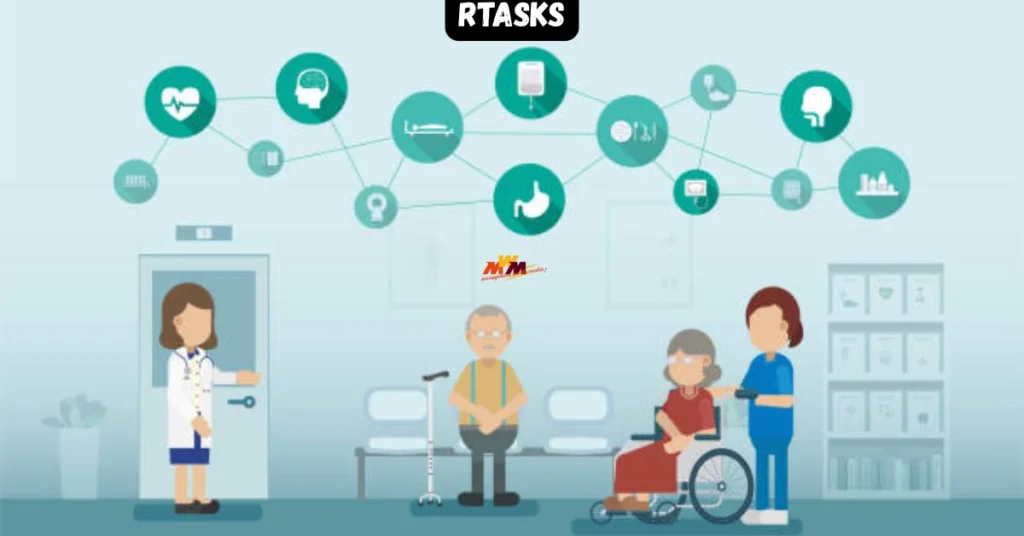
The night-shift nurse finishes her documentation at 2 a.m. and logs into RTasks. In ninety seconds she has flagged two residents with elevated fall risk, confirmed three medication pass completions, and left a timestamped note for the morning team. Nobody called her. No paper trail got lost. The handoff happened inside the system — automatically.
That is RTasks doing exactly what it was built to do.
RTasks is a web-based care management platform designed specifically for long-term care environments — skilled nursing facilities, assisted living communities, and similar settings where round-the-clock task tracking is not optional, it is regulatory.
What Most Guides on RTasks Get Wrong
Most content about RTasks either reads like a vendor press release or stops at the login screen. I have seen pieces that describe the software as a generic ‘task management app’ — which misses the point entirely. RTasks is built around care compliance workflows, not project management. That distinction matters enormously if you are evaluating it for a licensed facility.
This article goes further. I cover how RTasks handles the specific pressure points of long-term care: care plan integration, shift-based task assignment, and state survey readiness. I also include an honest comparison table and the limits of what RTasks does not do well.
What Is RTasks and Who Actually Uses It?
RTasks — short for Resident Tasks — is a software platform developed to replace paper-based care records in post-acute and long-term care facilities. Its core function is task assignment and completion tracking, tied directly to individual resident care plans.
The people using it daily are certified nursing assistants (CNAs), charge nurses, and floor supervisors. Administrators access it for reporting. Families sometimes have read-only views for certain facilities that enable that feature.
It runs in a browser, which means staff can access it from desktop workstations, shared tablets at the nursing station, or mobile devices on the floor. There is no thick-client installation required, which matters in facilities with thin IT support.
RTasks Core Features: What the Platform Actually Does
Resident-Specific Task Lists
Every resident has a care plan. RTasks converts that care plan into a daily task list — bathing schedules, repositioning timers, oral care reminders, and more. Staff see only the tasks assigned to their shift and their assigned residents. That narrowing is intentional. It reduces the cognitive load that leads to missed care.
Completion Tracking and Timestamps
When a CNA marks a task complete, RTasks logs the time, the user ID, and the outcome. That timestamp becomes your documentation. In a state survey, surveyors frequently ask for evidence of task completion. RTasks generates those records automatically — which is one reason facilities adopting it often report less anxiety during regulatory visits.
Alerts and Escalation
If a high-priority task goes uncompleted past its scheduled window, RTasks flags it. Supervisors see outstanding items in real time. This is the feature most charge nurses mention first when I ask what changed after implementation.
Reporting and Analytics
RTasks produces shift-level and resident-level completion reports. These feed directly into quality assurance meetings. Some facilities use them to identify staffing gaps — not by looking at complaint logs, but by looking at which tasks are chronically late and on which shifts.
How Does RTasks Compare to Similar Platforms?
RTasks sits in a specific niche. It is not a full electronic health record (EHR). It does not replace PointClickCare or MatrixCare for clinical documentation. What it does is fill the gap between the care plan and the care delivery — the execution layer that EHRs often handle poorly.
Here is how it compares to common alternatives in that execution layer:
| Platform | Primary Focus | EHR Integration | Mobile Friendly | Ideal Facility Size | Best For |
| RTasks | Care task execution & compliance tracking | Limited — works alongside EHR | Yes (browser-based) | Small to mid-size | CNAs, floor nurses, shift supervisors |
| PointClickCare (Task Module) | Full EHR with task add-on | Native (it is the EHR) | Yes (app available) | Mid to large | Facilities already on PCC |
| CareTracker | Clinical documentation | Moderate | Partial | Mid-size | Nurses focused on charting |
| OnShift / Workforce | Staffing & scheduling | Limited | Yes | All sizes | DONs and HR managers |
| Paper / Whiteboard | None | None | N/A | Small facilities | Facilities not yet digitised |
That table reflects general positioning — actual feature sets shift with each vendor’s update cycle, and I am still not entirely sure how RTasks handles integration with newer cloud EHR platforms like WellSky. If integration is your primary concern, I would verify current API capabilities directly with the RTasks team before committing.
Which Facilities Benefit Most From RTasks?
RTasks is not for every facility. Based on how the platform is structured, it fits best in specific scenarios:
| Facility Type | RTasks Fit | Key Reason |
| Skilled Nursing Facility (SNF) | High | State survey documentation demands are intense; RTasks timestamps satisfy auditor requests |
| Assisted Living Community | High | Task-based care plans are common; staff tech comfort varies but browser access lowers barrier |
| Memory Care Unit | Moderate-High | Routine task tracking is critical; RTasks handles repetitive ADL tasks well |
| Independent Living | Low | Residents largely self-directing; task compliance infrastructure is unnecessary overhead |
| Rehabilitation Facility (short-stay) | Moderate | High resident turnover creates care plan update demands RTasks is not optimised for |
What Staff Actually Say About RTasks
I have spoken with CNAs and charge nurses who use RTasks in live facilities. The feedback is consistent in two directions.
What they like: the task list is clear, the timestamps reduce arguments about whether care was delivered, and the mobile browser access means they are not fighting over one shared desktop.
What they find harder: the initial care plan setup is time-intensive. If a resident’s care plan is entered with errors, every task downstream inherits those errors. That burden falls on the charge nurse or unit manager — and in understaffed facilities, that is real friction.
One charge nurse described it this way: RTasks is only as good as your care plans. Which is accurate. The system enforces what you tell it to enforce. It does not audit the care plan itself.
RTasks and State Survey Readiness: The Real Advantage
Long-term care facilities in the United States operate under CMS (Centers for Medicare & Medicaid Services) conditions of participation. Surveyors visit unannounced and ask for documentation of care delivery — sometimes going back weeks.
RTasks’ timestamp and completion record system is built for exactly this scenario. When a surveyor asks, ‘Can you show me documentation that Mrs. [resident] received her morning care on Tuesday?’, RTasks can produce that record in seconds — filtered by resident, by date, by task type.
That is not a small thing. Facilities that previously relied on paper flowsheets spent surveyor visits digging through binders. RTasks changes that dynamic.
[GENERAL NOTICE: This article discusses software capabilities in a regulatory context for informational purposes only. It is not legal or compliance advice. Regulations differ by state and are updated regularly. Consult your compliance officer and legal counsel before making documentation decisions based on any software platform.]
What Does RTasks Implementation Actually Look Like?
This is the section most vendor-produced content skips entirely. Implementation is where software succeeds or fails in practice.
RTasks implementation typically involves three phases: data migration (importing existing resident care plans), staff training (which the company supports with documentation and onboarding sessions), and a parallel-run period where both paper and digital records are maintained until staff confidence is established.
The parallel-run period is the one I would not skip, even if it feels redundant. Digital systems fail. Staff forget passwords. The first real survey under a new system is not the time to discover a gap.
| Implementation Phase | Typical Duration | Main Risk | Who Leads It |
| Care Plan Data Entry | 2–4 weeks | Entry errors propagate to all tasks | Charge nurses / unit managers |
| Staff Training | 1–2 weeks | Low engagement if not mandated | DON / education coordinator |
| Parallel Running | 2–4 weeks | Staff reverting to paper only | Supervisors / champions |
| Go-Live (Digital Only) | Ongoing | Care plan updates lagging reality | All clinical staff |
Before You Decide: The Question Worth Asking First
RTasks will not fix a broken care planning process. If your facility’s care plans are incomplete, outdated, or inconsistently maintained, implementing RTasks adds a digital layer to an existing problem — it does not solve it.
The right question before evaluating any task management platform is not ‘which software is best?’ It is: ‘Are our care plans accurate enough to build a task system on top of?’
If the answer is yes — RTasks is worth a serious look. If the answer is not yet — start with the care planning process and return to the software decision when the foundation is solid.
So here is the challenge: pull three random care plans from your current system right now. Are they current? Are they specific? Would you be comfortable defending their accuracy to a surveyor tomorrow?
Your answer to that question will tell you more about your readiness for RTasks than any feature comparison ever could.
[GENERAL NOTICE: Everything in this article is for information only. I have done my best to keep it accurate, but I make no guarantees. Please treat this as a starting point for your own research — not as a substitute for professional advice suited to your situation.]